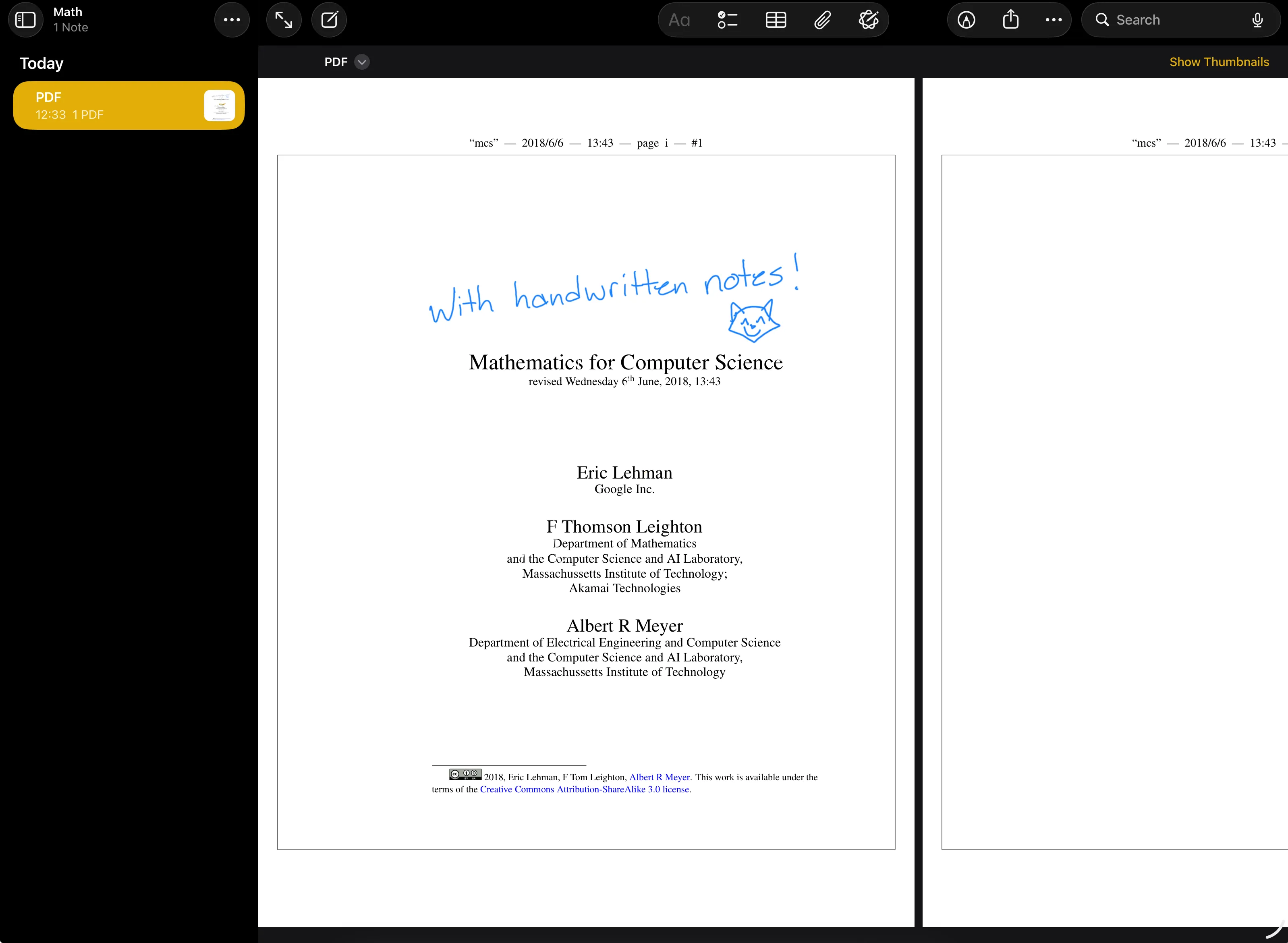
I don’t use Apple Notes much, but in 2026 I started taking an online math course with a friend (it’s free from MIT!) and discovered the course materials are all PDFs. I heavily prefer physical handwriting and highlighting to digital note-taking, while actively learning a subject. So I was delighted to discover that Apple Notes can annotate PDFs, and that it does so in a way that is both simple and effective!
It’s very easy to use too. Just open a PDF in Apple Notes, and you can basically scroll through it like a book. You’ll see a toolbar at the top with options to highlight, underline, strikethrough, and add notes. You can also use the Apple Pencil on an iPad for more natural handwriting.
Examples
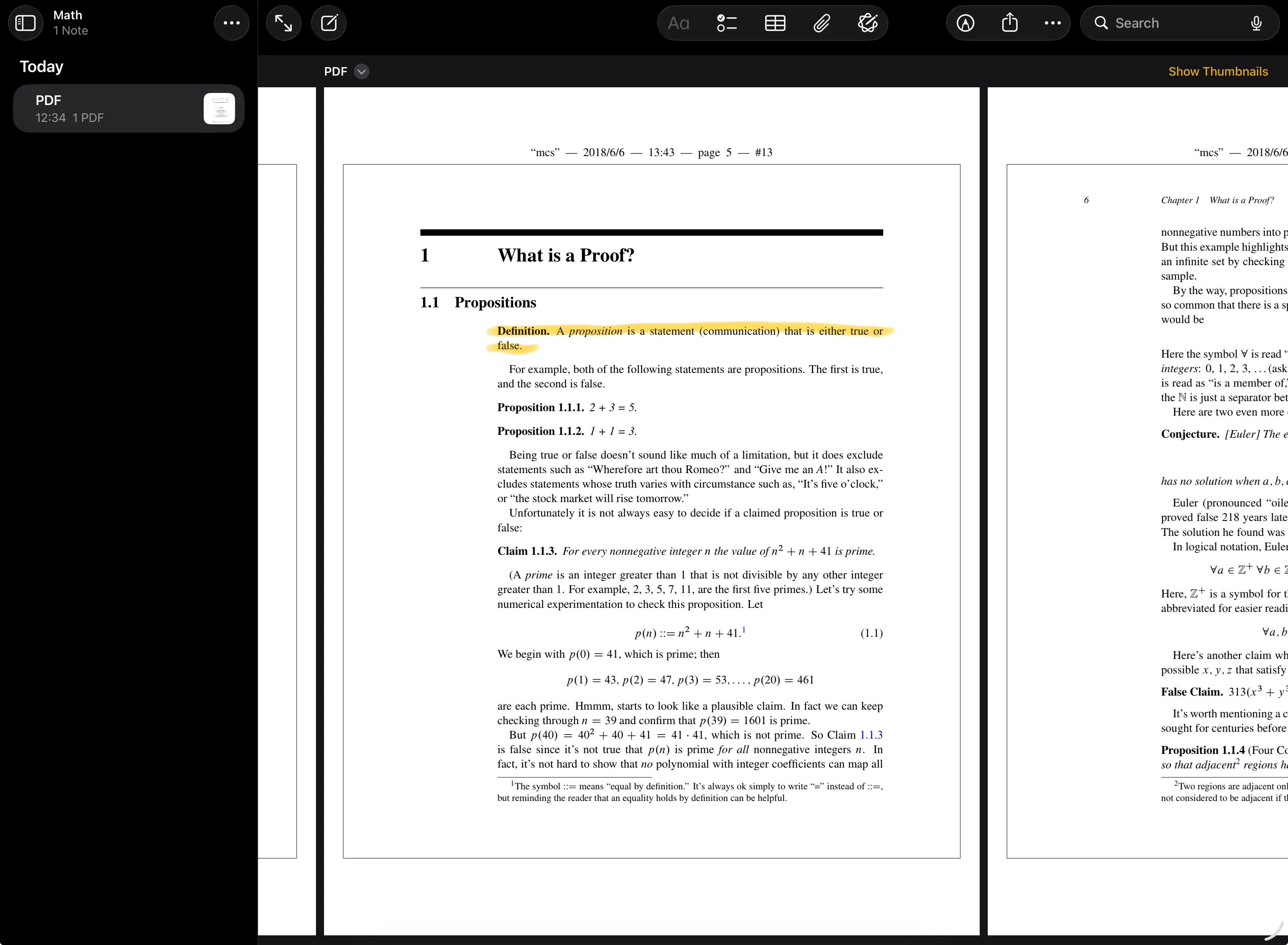
Highlighting straight on the PDF. Honestly I usually just scribble, but highlighting can be nice too.
And handwriting in the margins with the Apple Pencil, the way I’d scribble on a paper printout: